

Control AI coding agents from anywhere with end-to-end encryption. Free and open source.
Everything you need to control AI coding agents remotely
Zero-knowledge architecture. Your code and conversations are encrypted on your device before transmission. Not even we can read them.
Get notified about permission prompts, errors, and task completions. Never miss a critical moment in your coding session.
Always up to date with the newest Claude, Codex, and Gemini CLI releases. Run multiple agents in parallel from a single interface.
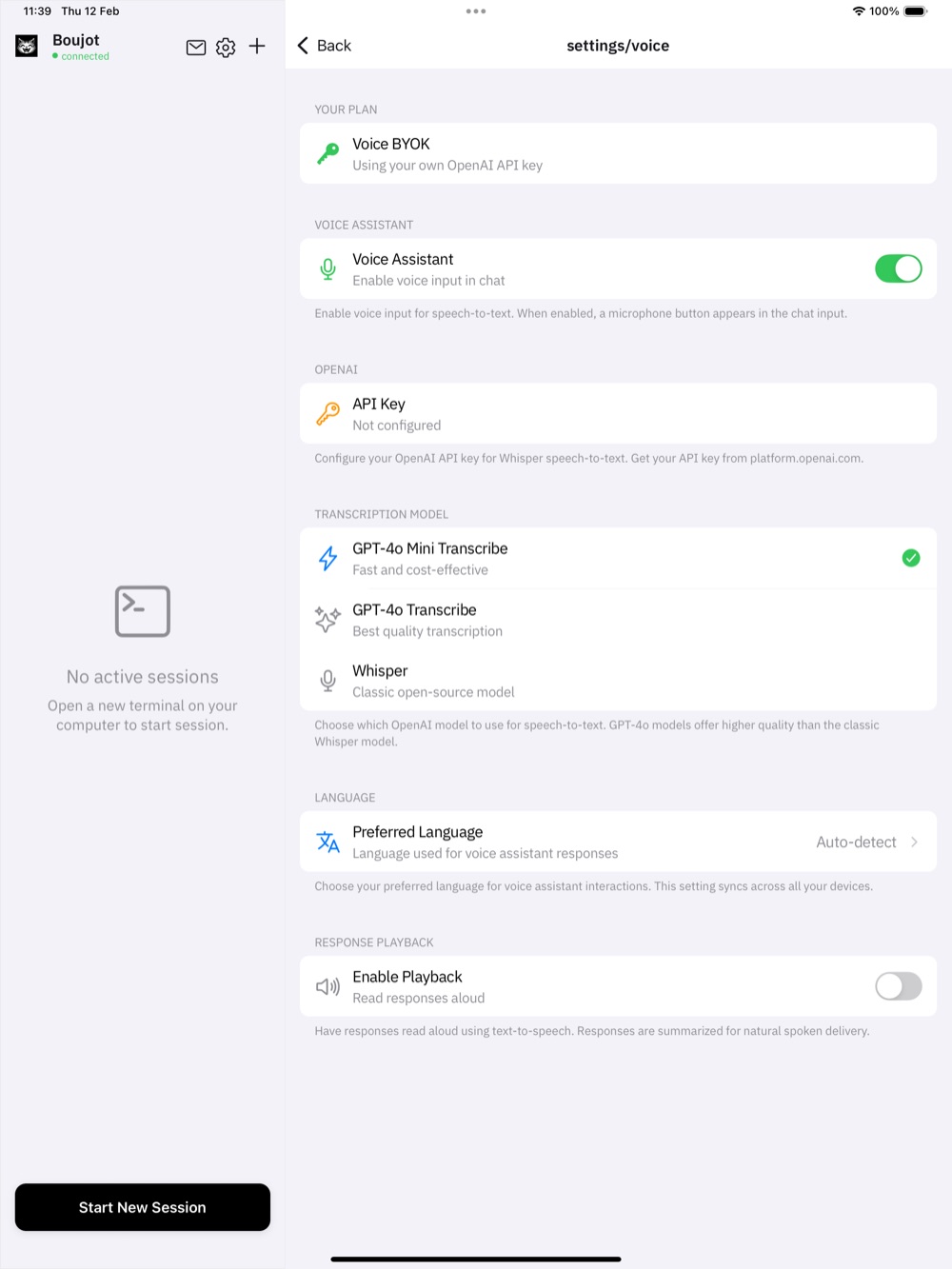
OpenAI Whisper replaces ElevenLabs for speech-to-text, cutting transcription costs by 10x while improving reliability.
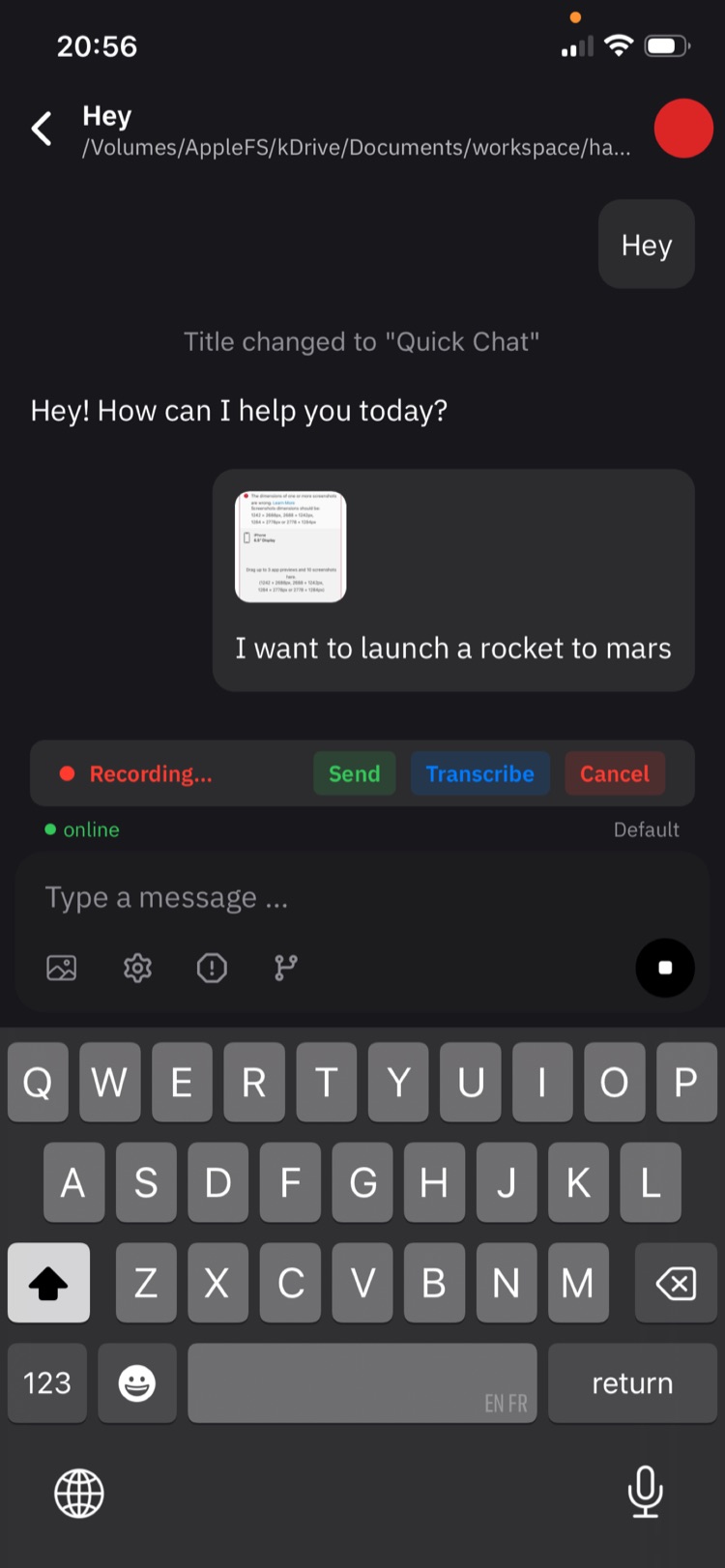
Attach images, documents, and other files directly from your phone. Give your AI agent the context it needs without switching devices.
Built on Happy, an open-source MIT-licensed project. Fully auditable, self-hostable, and community-driven.
Connect Boujot to a new machine in a few minutes, then launch coding sessions from the web app.
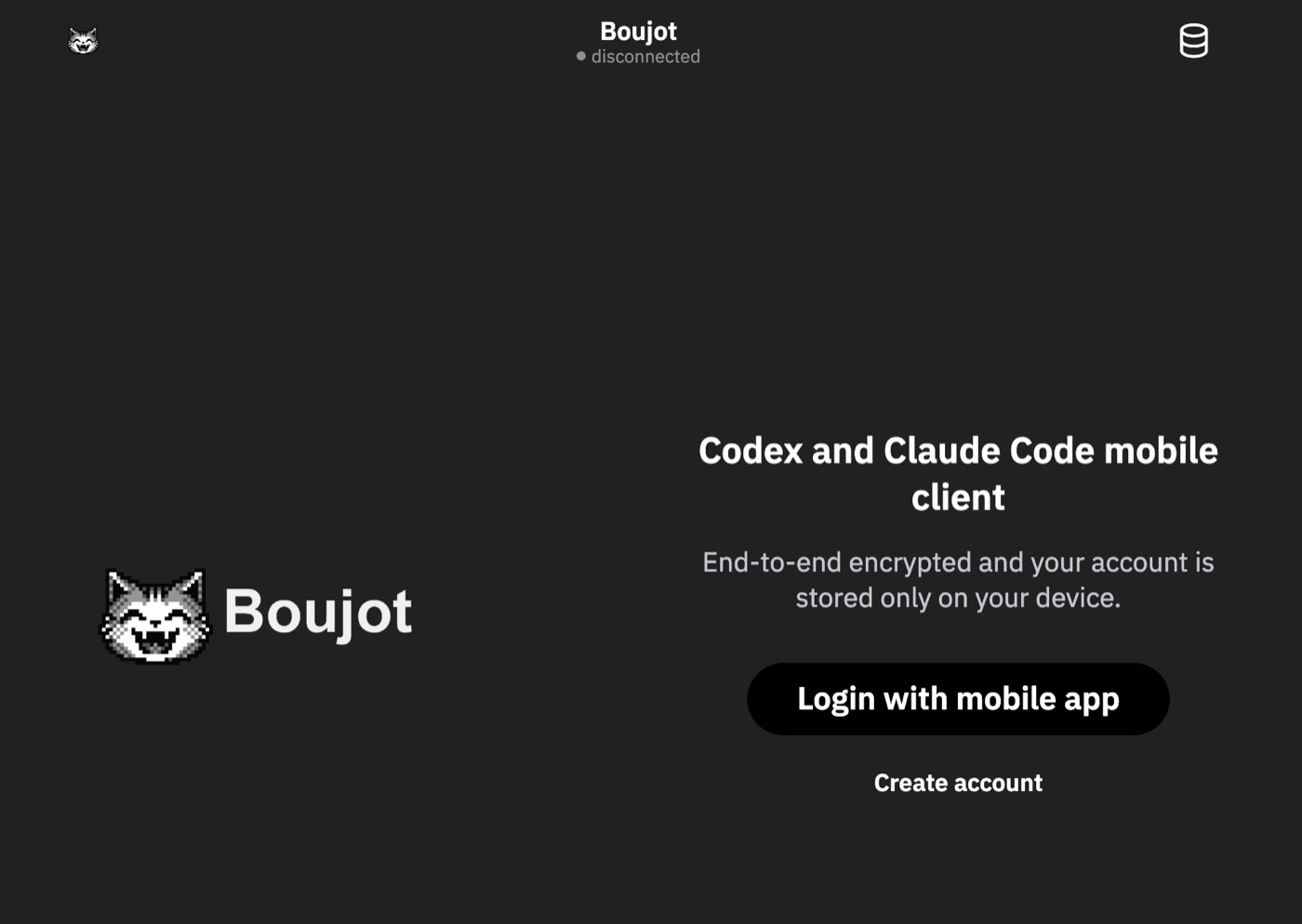
Open the web app, choose Create account, and complete the account setup before pairing your computer.
https://app.boujot.comInstall the Boujot command line tool globally, then point it at the production server and web app. To keep these settings permanently, add the same export lines to your shell profile: ~/.zshrc for zsh or ~/.bashrc for bash.
npm install -g @boujot/happy-coder
export HAPPY_SERVER_URL="https://server.boujot.com"
export HAPPY_WEBAPP_URL="https://app.boujot.com"

# Make the settings permanent on zsh:
echo 'export HAPPY_SERVER_URL="https://server.boujot.com"' >> ~/.zshrc
echo 'export HAPPY_WEBAPP_URL="https://app.boujot.com"' >> ~/.zshrc
source ~/.zshrcRun the login command. Boujot opens a browser window with a one-time connection key.
boujot auth loginIn the browser, accept the connection request. Your terminal confirms authentication and prints this machine's ID.
Web Authentication

Opening your browser...
Complete authentication in your browser window.

https://app.boujot.com/terminal/connect#key=YOUR_KEY

Waiting for authentication..

Authentication successful
Machine ID: YOUR_MACHINE_IDThe daemon keeps your computer registered and lets the web app start sessions on this machine.
boujot daemon start
Daemon started successfullyReturn to the web app, select the registered machine, choose a working directory, and start a new session.
https://app.boujot.com